

Kia Optima • VIOFO A229 Plus 2CH • BlackboxMyCar PowerCell 5
At our DashcamCraft office in Reisterstown, Maryland, we’re featuring a Kia Optima dashcam installation pairing the VIOFO A229 Plus with the BlackboxMyCar PowerCell 5 dedicated battery pack. The setup brings together front and rear recording with a separate power source for parking-mode use. Planning a similar setup? Check Maryland installation coverage and compare our dash cam installation service. Send your vehicle year, make, model, camera model and parking-mode needs when requesting a quote.
A good installation starts with considering the camera, its power supply, and how the equipment fits into the vehicle. For this project, the focus is practical everyday coverage: a record of the road ahead and behind, with dedicated battery power for recording while parked.
Front and rear coverage with the VIOFO A229 Plus
The VIOFO A229 Plus 2CH records in 2K at the front and 2K at the rear. A rear camera adds context when an incident happens behind the vehicle, complementing the forward-facing view.
The A229 Plus features Sony STARVIS 2 sensors and HDR support, designed to help the cameras handle changing light conditions. Its dual-channel configuration makes it a useful option for drivers who want both front and rear views without adding a cabin camera.
Explore our front and rear dashcam installation service, or use our VIOFO dashcam guide to compare camera options.
Dedicated power with the BlackboxMyCar PowerCell 5
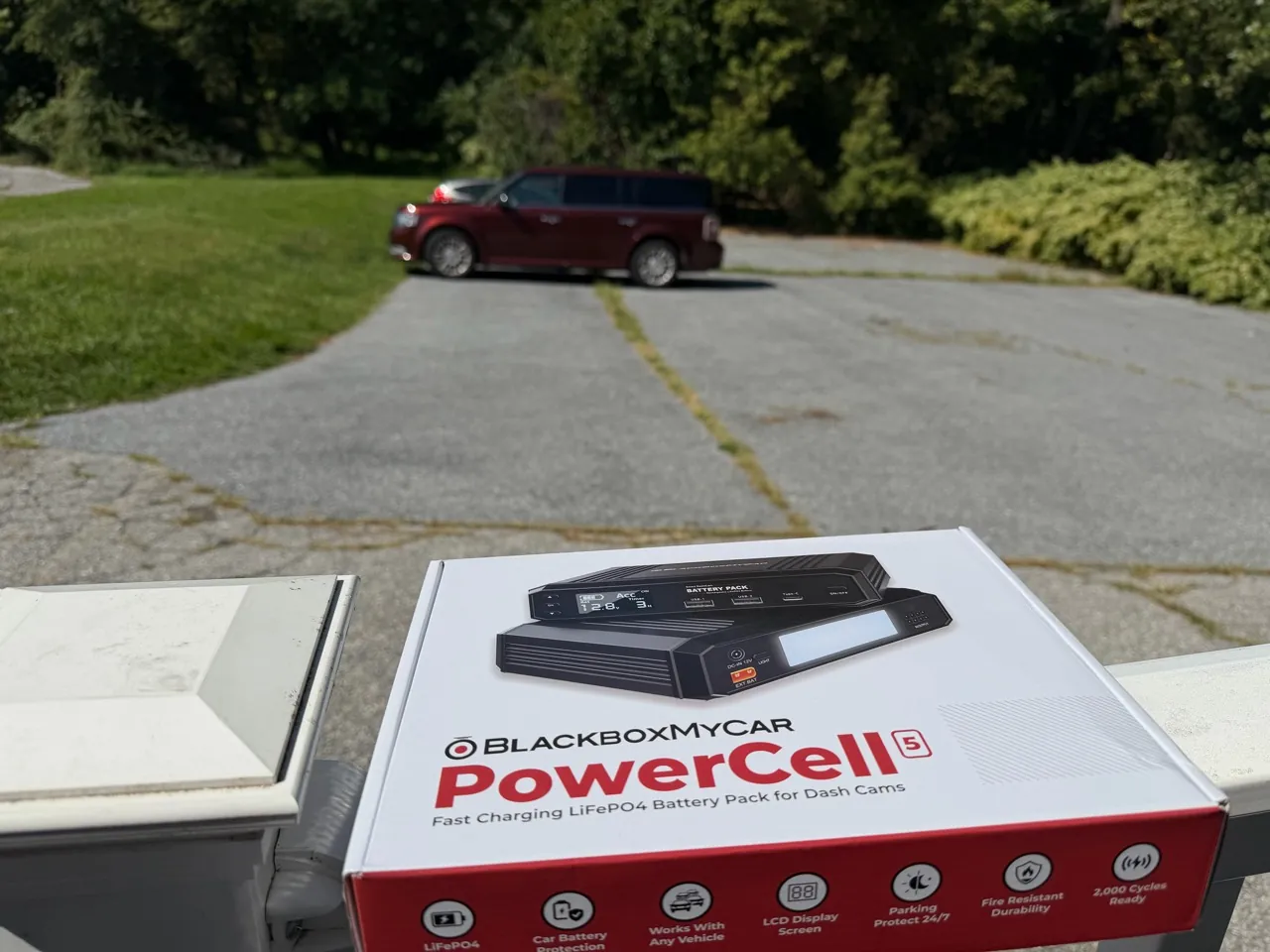
The BlackboxMyCar PowerCell 5 adds a dedicated dashcam battery to the setup. Its role is to supply power for parking-mode operation, reducing reliance on the vehicle’s starter battery while parked.
Parking recording time depends on the pack’s charge, camera power consumption, and selected settings. A dedicated battery should be chosen and configured around how the vehicle is driven and how long it typically stays parked.
Our guide to hardwire kits versus dashcam battery packs explains the differences. For planning, the parking-mode runtime estimator offers an estimate rather than a guaranteed recording duration.
Preparation is part of the workmanship
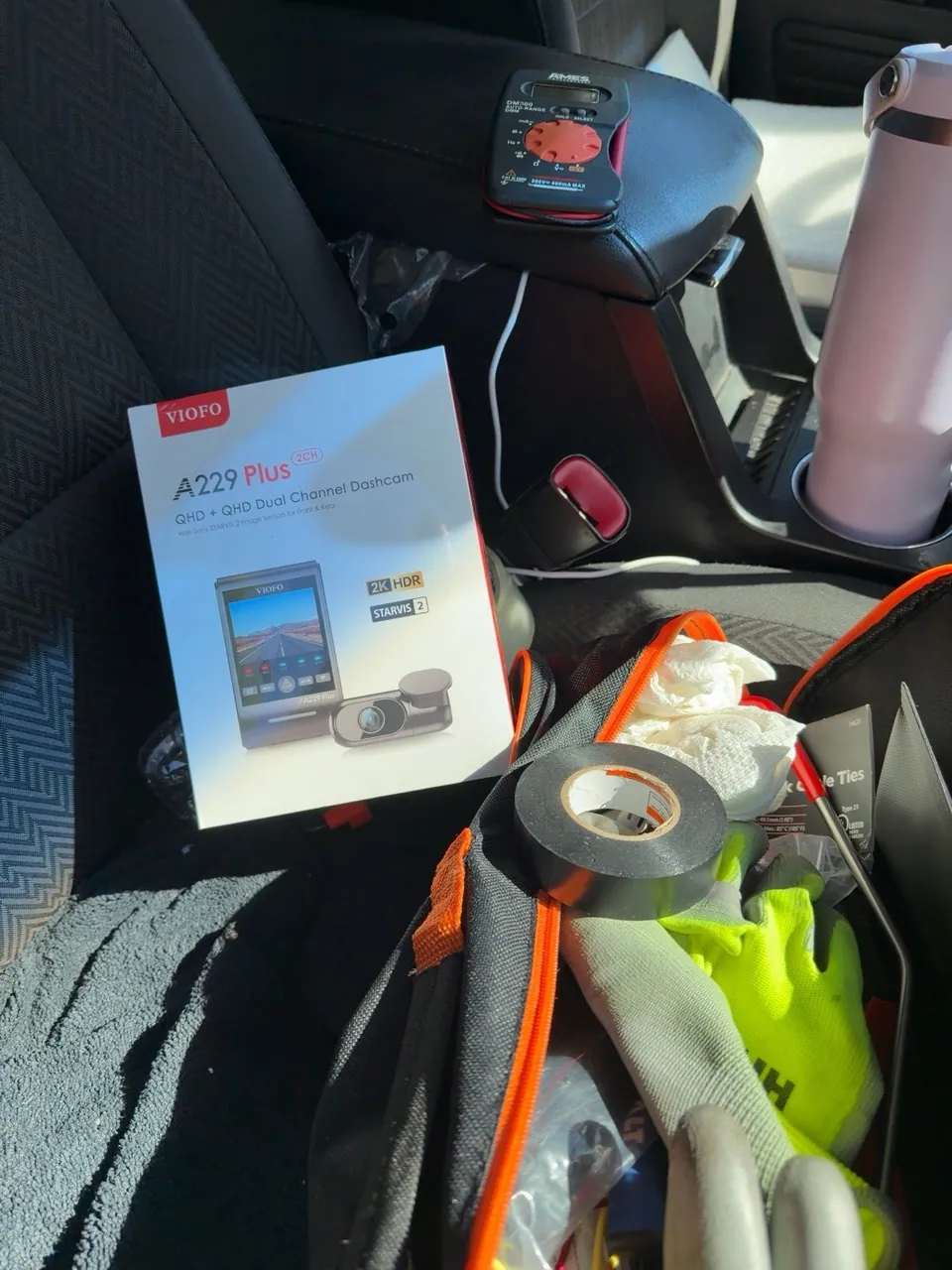
The preparation for this project brought together the A229 Plus, PowerCell 5, and installation tools, including a multimeter, electrical tape, and cable ties. Equipment selection is only the beginning; power planning, camera positioning, and cable management deserve the same attention.
A professional installation calls for suitable power connections, secure battery placement, and careful cable routing around trim, moving components, and safety equipment. Camera placement also needs to account for the driver’s view and the lens’s view through the glass.
Read what to expect at your dashcam installation appointment for an overview of preparation, installation, and handoff.
From camera startup to system checks
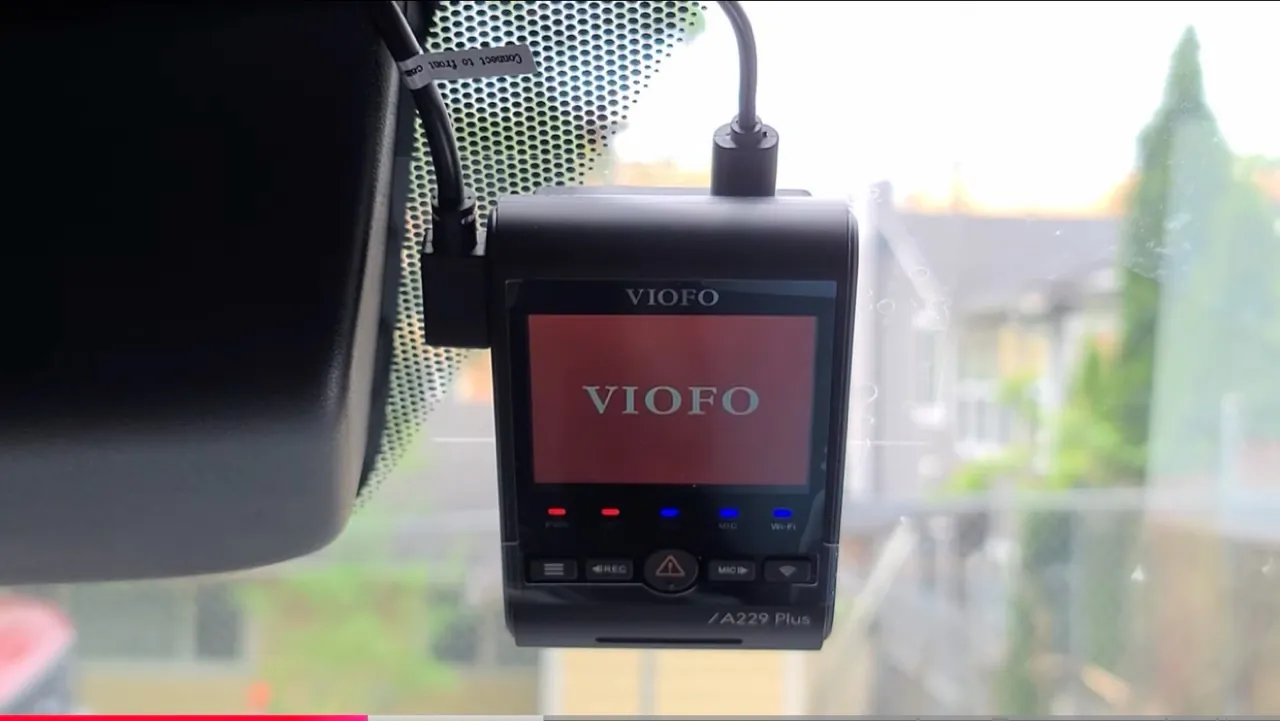
The A229 Plus startup screen marks the initial power-on stage. It is an important milestone, but a complete system check goes further: reviewing the front and rear views, confirming that footage saves and plays back, and checking the intended parking-mode behavior.
These checks connect the installation work to the owner’s everyday experience. Knowing how to find a recording, save an important clip, and maintain the memory card helps make the system useful when it matters. Our guide to handling dashcam footage after an accident explains how to preserve a recording.
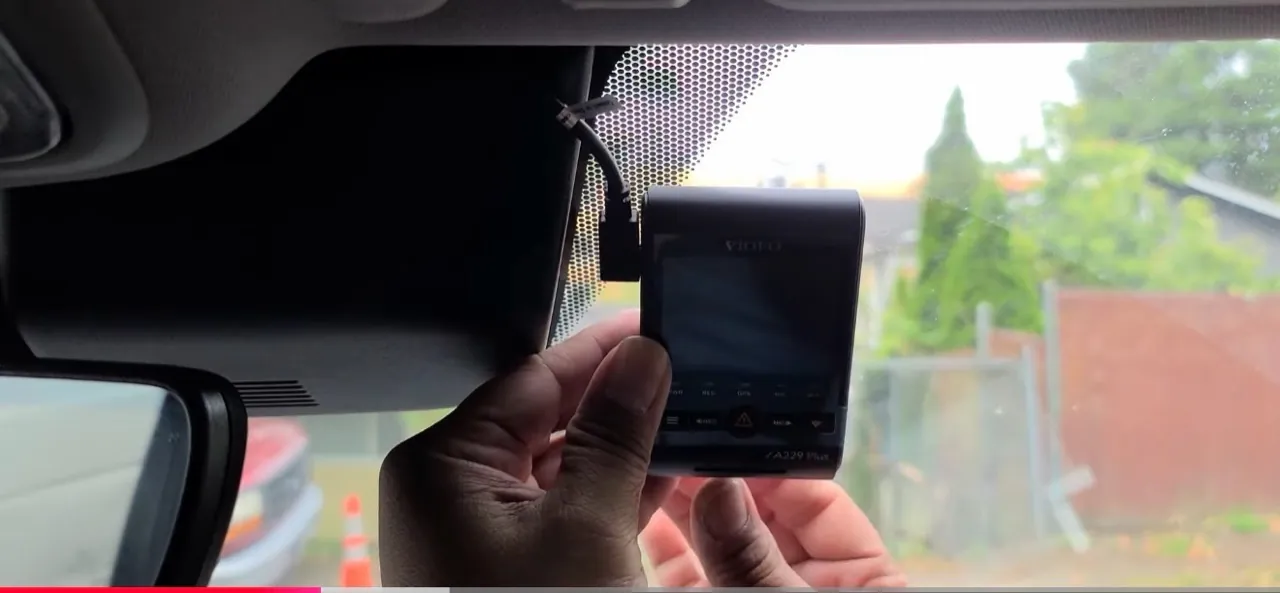
Dashcam installation in Reisterstown
This Kia Optima project pairs front and rear video coverage with dedicated battery power in a setup built around everyday driving and parking. At DashcamCraft, we believe the installation deserves as much attention as the equipment itself.
See more DashcamCraft installation projects, or contact DashcamCraft to discuss an installation for your vehicle. Tell us your vehicle’s year and model, the camera you have or are considering, and whether you want parking-mode recording.
What this real installation documents
This project pairs a Kia Optima with a VIOFO A229 Plus two-channel system and a BlackboxMyCar PowerCell 5. The photographs on this page are installation evidence: the camera equipment with the vehicle, the dedicated battery packaging, preparation tools, the camera at startup and its position near the mirror.
That matters because an equipment specification, a powered-on screen and a saved recording establish different things. A box identifies equipment, a startup photograph shows the camera at that stage of the job, and a playback test is needed to demonstrate that useful footage was saved. We keep those distinctions clear when explaining an installation.
| Project evidence | What it shows | What it does not measure |
|---|---|---|
| A229 Plus equipment and Kia photographs | The documented vehicle and camera pairing | Night-time plate readability |
| PowerCell 5 packaging | The dedicated battery chosen for this setup | Overnight recording duration |
| Preparation and mounting photographs | Equipment preparation and visible camera positioning | Hidden wiring details or electrical readings |
| Startup screen | The camera during initial power-on | A complete front/rear playback or parking test |
Why this combination is useful to understand
Front and rear recording provides two perspectives on road activity. The dedicated battery addresses a separate question: where the camera gets energy while parked. Combining the two creates a practical system to plan around daily driving and parking, but the camera’s coverage and the battery’s runtime remain separate design decisions.
For another Kia Optima, the exact model year, trim, available mounting space and electrical arrangement should still be assessed. This page is a documented project, not a universal fuse-location guide. It does not prescribe copying an unverified connection from one vehicle to another.
What an owner should understand at handover
Ask to see a saved front clip and a saved rear clip, not just the live preview. Check that the timestamp makes sense, the view is useful and an exported clip plays on your phone or computer. Learn the emergency-lock control and how to preserve originals before formatting the card. Our saved-video verification guide walks through those checks.
For parking use, agree on the intended recording mode and how the dedicated battery recharges. Observe the system during an ordinary driving-and-parking routine, because a fully charged pack on installation day can give a different result from a week of short trips. Our parking surveillance guide explains what continuous, time-lapse and event recording can capture.
These are handover recommendations; no unrecorded runtime, voltage reading or parking-event test is being presented as a result from this particular Kia.
Kia Optima installation questions
Which camera and battery are in this project?
The documented pairing is VIOFO A229 Plus 2CH and BlackboxMyCar PowerCell 5.
Is the footage on this page from a VIOFO promotional video?
No manufacturer demo is used as evidence of this job. The project is illustrated with real installation photographs.
How long did this Kia record while parked?
A measured parking-runtime log is not included in this case study. Runtime depends on charge, camera settings, draw and operating conditions.
Can I choose a different VIOFO model?
Yes, subject to matching your coverage needs and vehicle. Compare the new and existing VIOFO options, including front/rear, cabin and telephoto layouts.
What should I send for a similar installation quote?
Send the year and trim of your Optima, the exact camera and power equipment you own, the views you need and your usual driving and parking durations.