
DashcamCraft Practical Guide
For most modern two-channel dash cams, 128GB or 256GB is the practical starting point. Higher resolution, more channels and longer retention favor 256GB or 512GB when the camera supports them.
Quick answer
For most modern two-channel dash cams, 128GB or 256GB is the practical starting point. Higher resolution, more channels and longer retention favor 256GB or 512GB when the camera supports them.
Quick size guide
64GB suits light single-channel use. 128GB is a balanced minimum for many drivers. 256GB fits higher resolution or two-channel recording. 512GB is useful for long retention, three channels or fleet duty.
Why endurance matters
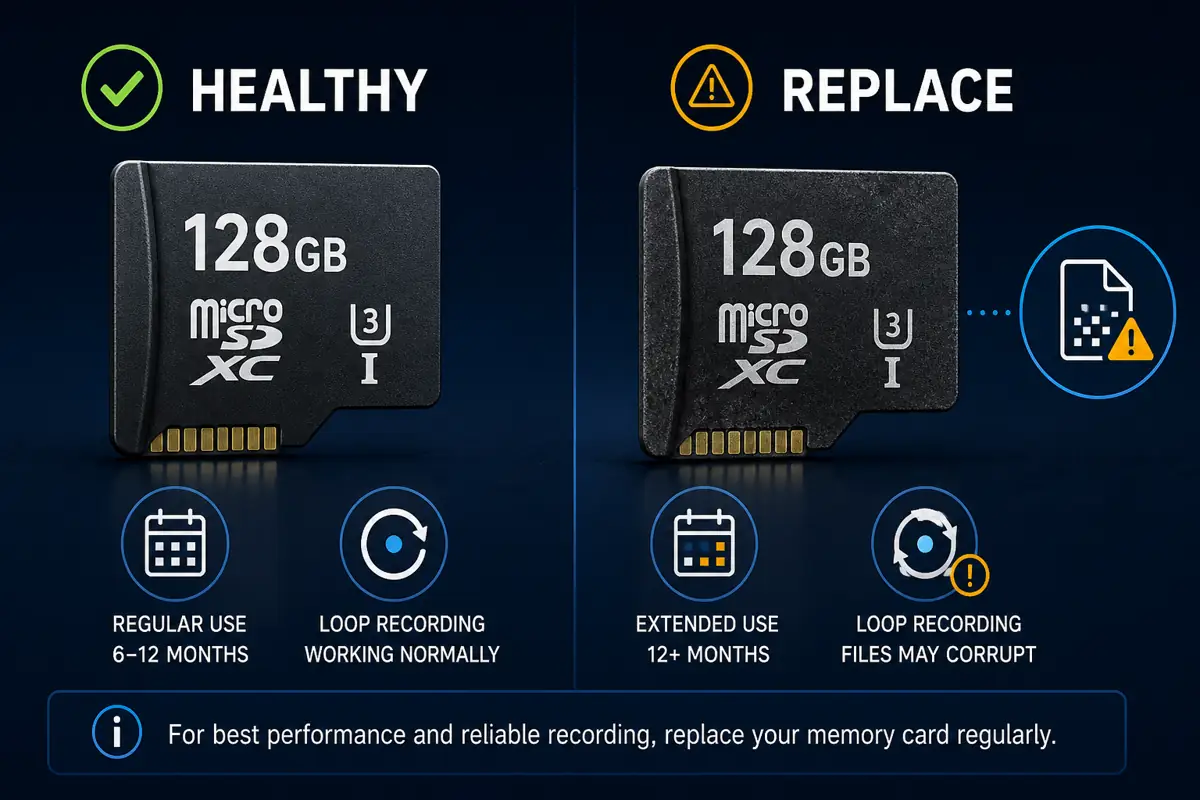
Dash cams continuously overwrite files and operate through temperature changes. Use a card specifically rated for high-endurance video recording and verify it appears on the camera manufacturer’s compatibility list.
What changes recording time
Resolution, bitrate, frame rate, codec, number of cameras, parking mode and protected event files all change usable retention.
Buying checklist
Check maximum supported capacity, endurance rating, speed class, genuine seller, operating temperature and warranty terms. Format the card in the camera before use.
A reliable card is part of an evidence-ready setup. See the emergency evidence kit checklist for spare-card, backup and crash-footage steps.
Related DashcamCraft resources
Explore our dash cam resources, professional installation service, calculators and tools, and real installation gallery.
128GB vs 256GB vs 512GB: compare hours, not just capacity
The right card preserves footage for long enough that you can retrieve an incident before normal loop recording replaces it. Start with your longest driving day and how soon you normally check the camera. Then add parking recordings and a margin for protected files. A 512GB card gives approximately four times the space of a 128GB card at identical settings; it does not improve the camera’s lens, exposure or plate-reading ability.
Use the combined bitrate of every active camera. A front stream at 30Mbps plus a rear stream at 10Mbps totals 40Mbps. Do not calculate each camera as though it has the entire card to itself.
| Combined recording bitrate | 128GB | 256GB | 512GB |
|---|---|---|---|
| 20Mbps | 14.2 hours | 28.4 hours | 56.9 hours |
| 40Mbps | 7.1 hours | 14.2 hours | 28.4 hours |
| 80Mbps | 3.6 hours | 7.1 hours | 14.2 hours |
These are calculated examples using nominal decimal capacity, not measured results for a named dash cam. Formula: capacity in GB × 8,000 ÷ combined Mbps ÷ 3,600. Formatting, reserved space, event folders and variable bitrate reduce or change actual retention. A card’s recording hours are separate from the hours your parking power supply can run.
How to measure your own recording rate
- Record a representative drive with every intended channel enabled. Use your normal resolution, frame rate and HDR settings.
- Find matching clips covering the same interval from all cameras. Add their file sizes, counting the original recordings once.
- Divide total megabytes by the recording duration in seconds and multiply by eight to estimate combined Mbps. Use decimal MB consistently.
- Repeat with another scene and with your chosen parking mode. Busy roads, darkness, different encoding and parking settings can produce different rates.
- Use our dash cam storage calculator, then confirm the oldest accessible recording after normal use.
Which capacity fits your routine?
128GB: consider it when the camera supports it, your recording rate is modest and you retrieve footage promptly. At the illustrative 40Mbps rate, a full eight-hour driving day would exceed the theoretical seven-hour window. That is a reason to move up, even before adding parking recording.
256GB: offers more retrieval time for dual-camera systems and mixed driving and parking use. In the same example, fourteen theoretical hours might cover a workday but would not reliably preserve several days. Base the choice on the event you want to keep, not a generic “days of storage” claim.
512GB: is useful for higher combined bitrates or delayed retrieval, provided the exact camera and firmware support it. It is still a rolling buffer. A busy four-camera system can fill it much sooner than a single-camera system.
Compatibility and maintenance matter as much as size
The supplied new VIOFO T330, T340 and A149 Pro Duo specifications list support up to 512GB. That limit does not apply automatically to every VIOFO model. Check the exact model’s manual and recommended cards before buying. An endurance label alone does not establish compatibility, and a fast phone-storage card is not automatically suitable for continuous recording.
Buy from a reliable seller, format using the camera’s instructions and check representative saved clips after installation or a firmware change. Preserve important originals before formatting. Repeated errors, missing files or playback failures need investigation; simply buying a larger card may leave the original fault unresolved. Our usable-video checklist explains how to test the whole recording chain.
Memory-card questions
Does a larger card record better video?
No. At the same recording settings it primarily increases retention. Image quality depends on the camera, optics, exposure, compression and scene.
Will locked clips stay forever?
Do not assume that. Event-folder limits and overwrite behavior vary by camera. Export important clips and verify the copies before relying on them.
Can I use a 1TB card if 512GB is specified?
Use supported capacity and card models. Physical fit does not prove reliable operation.
Does time-lapse double my storage?
There is no universal multiplier. Frame rate, encoding and whether audio is recorded change the result. Measure a sample from the selected mode.