
DashcamCraft Rideshare Storage Guide
A four-channel dash cam can use a full memory card much faster than a basic front-only camera. For an 8–12 hour Uber or Lyft shift, 256 GB may be enough at moderate bitrates, but 512 GB gives a safer margin when all four channels record at higher quality.
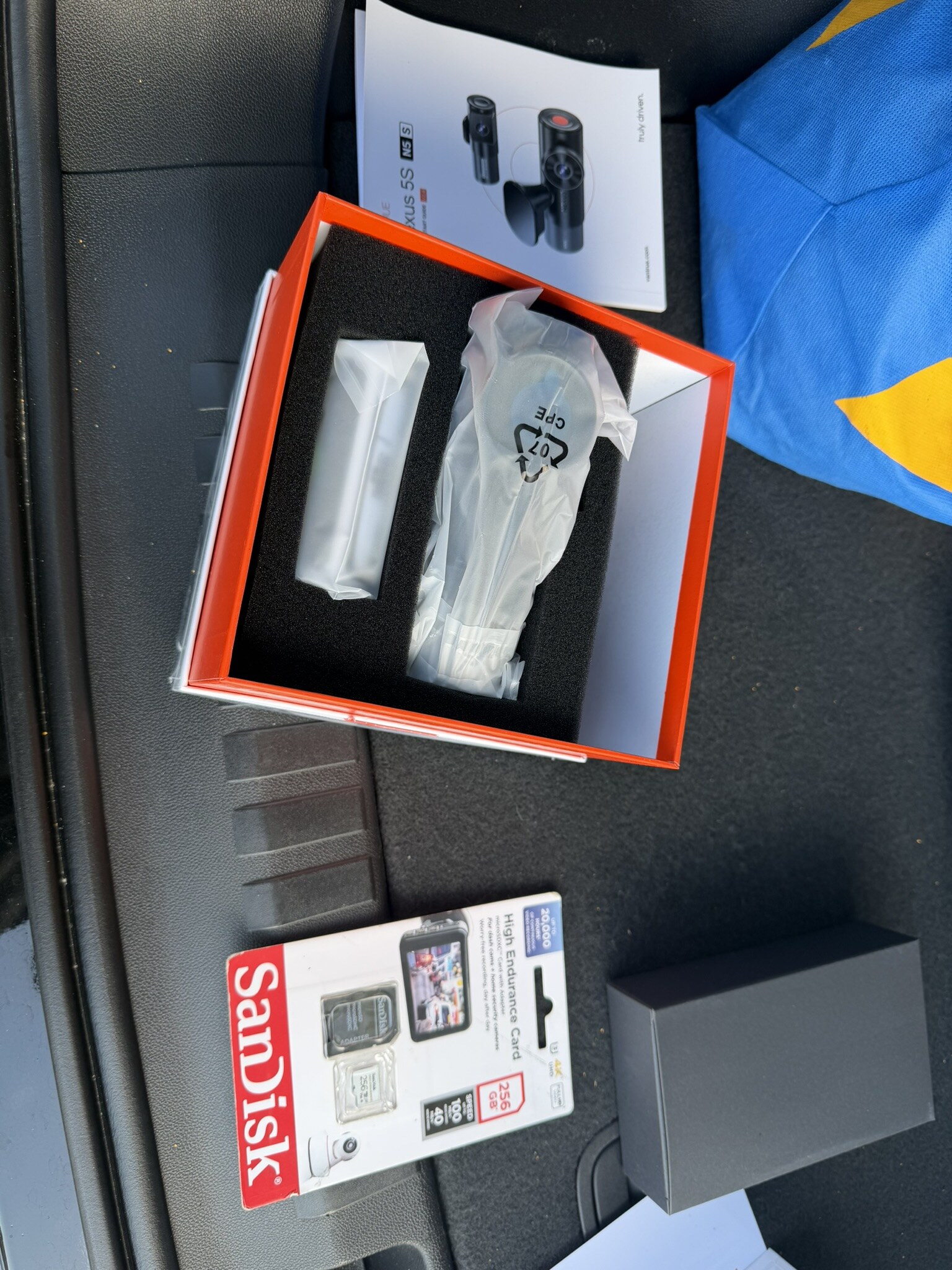
Quick answer
Start with the camera’s combined recording bitrate, not the resolution printed on the box. As a planning guide:
- 128 GB: suitable for shorter shifts or lower combined bitrates, but often too small for a full four-channel rideshare day.
- 256 GB: a practical starting point for many 8-hour shifts, but it can be marginal for 10–12 hours at medium or high quality.
- 512 GB: the safer target for long shifts, higher bitrates and drivers who cannot afford to overwrite an earlier incident before finishing work.
Always check the manufacturer’s supported card type and maximum capacity before buying. Capacity alone does not guarantee compatibility.
Why four channels change the calculation
A four-channel system writes four video streams at the same time. A typical layout may include a front camera, a rear camera and two cabin views. Even when the secondary cameras record at lower resolution than the front camera, their bitrates still add to the total.
Resolution is only one factor. Frame rate, compression codec, image detail, night scenes, audio, HDR settings and variable bitrate behaviour can all change file size. Two cameras both described as “4K” may therefore produce very different storage demands.
The storage formula
A useful decimal estimate is:
Total bitrate in Mbps × 0.45 = approximately GB per recording hour
DashcamCraft adds a 10% planning allowance for filesystem overhead and variable recording behaviour. For example, a four-channel system recording at a combined 45 Mbps uses about 20.25 GB per hour before the allowance. Eight hours needs about 178 GB with the allowance; 12 hours needs about 267 GB. That makes a 256 GB card reasonable for the shorter shift but too close—or too small—for the longer one.
Estimated recording time by card size
The table below applies the same 10% planning allowance used by our calculator. These are estimates, not promises: your camera’s real files provide the best measurement.
| Combined bitrate | 128 GB | 256 GB | 512 GB |
|---|---|---|---|
| 30 Mbps | 8.6 hours | 17.2 hours | 34.5 hours |
| 45 Mbps | 5.7 hours | 11.5 hours | 23.0 hours |
| 60 Mbps | 4.3 hours | 8.6 hours | 17.2 hours |
| 75 Mbps | 3.4 hours | 6.9 hours | 13.8 hours |
What an 8-, 10- or 12-hour shift needs
| Combined bitrate | 8-hour shift | 10-hour shift | 12-hour shift |
|---|---|---|---|
| 30 Mbps | 119 GB | 149 GB | 178 GB |
| 45 Mbps | 178 GB | 223 GB | 267 GB |
| 60 Mbps | 238 GB | 297 GB | 356 GB |
| 75 Mbps | 297 GB | 371 GB | 446 GB |
The practical lesson is simple: 256 GB is not automatically a full-shift card just because it sounds large. At a combined 60 Mbps it provides only about 8.6 hours by this estimate. A long rideshare day, a meal break with parking mode active, or a higher-bitrate setting can push the requirement into 512 GB territory.
How to measure your dash cam’s real storage use
- Format the approved high-endurance card in the camera.
- Record for 10 minutes with every channel and normal audio/settings enabled.
- Copy the files to a computer and add the file sizes from all channels.
- Multiply the 10-minute total by six to estimate GB per hour.
- Multiply by the longest shift you need to cover, then add at least 10% planning allowance.
Repeat the test after changing resolution, frame rate, codec or HDR settings. A night-time sample is also useful because variable bitrate systems may behave differently in complex scenes.
High endurance and high capacity are different
A large card stores more video; an endurance-rated card is designed for repeated recording and rewriting. Dash cams loop continuously, so they place a heavier write workload on storage than occasional phone or camera use. SanDisk, for example, describes its High Endurance microSD line as designed for continuous Full HD and 4K recording and rates models by recording hours. See the manufacturer’s product information.
That does not mean every endurance card works in every dash cam. Confirm:
- the maximum supported capacity;
- the required speed class;
- the file system and in-camera formatting method;
- whether the manufacturer maintains an approved-card list;
- how often the camera recommends reformatting or replacing the card.
Loop recording does not protect every important clip
When the card fills, normal loop files are overwritten. Event files may be locked in a protected folder, but protected space is not unlimited and impact detection is not perfect. Rideshare drivers should save important footage as soon as it is safe, check every channel and make a second copy outside the camera.
If an incident happens early in a long shift, continuing to drive for hours can reduce the available evidence window. A larger card buys time, but it is not a backup plan.
Parking mode can change the answer
The tables above focus on continuous driving-time recording. Parking mode may add low-bitrate time-lapse video, buffered events or full recording after motion or impact. A busy car park can create far more files than a quiet driveway. If the vehicle records before and after a 10-hour shift, enter the total expected recording workload in the calculator rather than counting driving hours alone.
A practical rideshare recommendation
- Choose 128 GB only after measuring a low enough bitrate and confirming the retention window meets your needs.
- Choose 256 GB for many moderate-bitrate 8-hour use cases, with regular footage checks and prompt exports.
- Choose 512 GB when working 10–12 hours, running higher quality across four channels, using parking mode or wanting more time before loop overwrite.
Do not buy a larger card than the camera officially supports. If the manual allows only a smaller capacity, reduce bitrate where appropriate, export files more often or plan a safe card-management routine instead.
Five-minute card check before a shift
- Confirm the camera recognises the card without an error.
- Check that all four live views appear.
- Play one recent file from every channel.
- Confirm the date, time and time zone.
- Keep a suitable card reader or adapter available for urgent exports.
Frequently asked questions
Is 256 GB enough for a four-channel dash cam?
It can be. In this guide’s estimates, 256 GB covers about 11.5 hours at a combined 45 Mbps but only about 8.6 hours at 60 Mbps. Measure your actual files and include parking-mode time before relying on it.
How much storage is needed for a 12-hour rideshare shift?
Using a 10% allowance, approximately 178 GB at 30 Mbps, 267 GB at 45 Mbps, 356 GB at 60 Mbps or 446 GB at 75 Mbps. Round up to the next supported capacity.
Does lowering resolution always solve the problem?
Not always. Storage is driven by bitrate, and some cameras use similar bitrates across different modes. Lower settings can also reduce identifying detail. Test the actual output instead of assuming the label tells the whole story.
Can I use any 512 GB or 1 TB card?
No. The camera must support that capacity and card specification. Check the manual and approved-card guidance for the exact model and firmware.
Calculate your exact plan
Enter the front-camera bitrate, number of additional cameras, bitrate per extra camera, daily recording hours and desired retention period in the DashcamCraft Storage Calculator. Then compare the result with the capacities supported by your camera.