
Status checked: September 1, 2026
VIOFO’s firmware downloads and over-the-air update service appear to be operating again after a temporary interruption in August 2026. The current VIOFO Dashcam app supports camera setup, footage management and OTA firmware updates. However, owners—particularly some A329S and A329T users—have reported failed updates, reset settings and parking-mode problems following certain firmware changes.
This page tracks what is confirmed, what owners are reporting and the safest next step if your camera or app is not behaving normally.
Quick advice: If your dash cam is recording normally, do not install firmware merely because a newer version exists. Read the release notes, confirm the file is for your exact model and record your settings before updating.
Current status at a glance
| Item | Status | What owners should know |
|---|---|---|
| VIOFO firmware website | Available | Use only VIOFO’s official firmware page and select the exact camera model. |
| OTA firmware updates | Available, but model-dependent | Some older firmware versions require one manual update before OTA becomes available. |
| New VIOFO Dashcam app | Current app | VIOFO lists Android 2.2.01 and iOS 2.2.1.1, both dated August 17, 2026. |
| Older VIOFO app | Legacy | Owners may see two similarly named apps. Use the newer VIOFO Dashcam app when supported by the camera. |
| A329S V2.1 parking behavior | Reported problems | Owners reported false parking events and settings being reset after updating. |
| A329S V2.2 | Current corrective path | VIOFO advises using the latest V2.2 firmware and latest app for a documented BP100 connection problem after V2.1. |
| August firmware interruption | Resolved | Downloads and OTA reportedly returned around August 25. |
Which VIOFO app should you use?
VIOFO has an older app named VIOFO and a newer app named VIOFO Dashcam. The newer app is the supported choice for compatible current cameras and includes OTA firmware updating, footage playback and download, camera settings and supported battery-pack management.
As of September 1, VIOFO’s official app page lists:
- Android: 2.2.01, released August 17, 2026
- iOS: 2.2.1.1, released August 17, 2026
Because phone app stores can roll out versions at different times, verify the version shown on your device rather than relying only on the store’s update button.
VIOFO app connects to Wi-Fi but not the camera
The camera creates a local Wi-Fi network without internet access. Phones sometimes abandon that connection or allow another service to take control. Try these steps in order:
- Confirm that you installed VIOFO Dashcam, not only the older VIOFO app.
- Enable Wi-Fi on the camera and connect to the camera’s network in the phone’s Wi-Fi settings.
- Accept the warning that the network has no internet and remain connected.
- Temporarily disable wireless CarPlay or Android Auto. Turning off Bluetooth may prevent the vehicle from reclaiming the connection.
- Temporarily disable VPN, Private Relay, security filtering or an “auto-switch to better network” feature.
- On iPhone, allow the app access to the local network. On Android, allow the requested nearby-device, Wi-Fi and media permissions.
- Close and reopen the app. If that fails, restart the phone and camera before reinstalling the app.
- Keep the camera’s original Wi-Fi name and password while troubleshooting.
Do not reset or update the firmware as the first troubleshooting step if the camera is still recording normally.
OTA firmware update is not appearing
An OTA update may appear only after you disconnect from the camera settings and return to the app’s camera screen. It may also require a minimum camera firmware version. VIOFO has previously directed owners with older firmware to complete one manual microSD-card update before future OTA updates become available.
For an OTA update, the phone must communicate with the camera over its Wi-Fi network while also obtaining the update file from the internet. Depending on the phone, that may require mobile data to remain active while connected to Wi-Fi without internet.
If the update is not offered:
- Confirm the exact camera model and installed firmware version.
- Update the VIOFO Dashcam app.
- Check VIOFO’s official firmware page for model-specific instructions.
- Contact VIOFO support if the download or OTA process fails repeatedly.
Before installing VIOFO firmware
Firmware installation can reset camera settings. Before updating:
- Photograph every settings screen or use the app’s export option if it is available.
- Save important recordings somewhere other than the camera card.
- Confirm the firmware matches the full model name—not merely the A329 or A229 family.
- Use stable vehicle or wall-adapter power throughout the installation.
- Follow the formatting and file-name instructions on the exact model’s official page.
- Remove unsupported external storage if the model-specific instructions require it.
- Never interrupt power while firmware is being installed.
Avoid firmware files shared through temporary file-transfer links or unofficial archives. A file for a similar model can make the camera unusable.
A329S and A329T parking-mode reports
Some A329S owners reported that a 2026 firmware update reset their settings and caused Low Power Impact or Hybrid Parking Mode to create excessive event recordings. Other reports described missed impact announcements, false events caused by entering or closing the vehicle, or an inability to save a battery-protection setting in the app.
VIOFO’s current FAQ documents one specific compatibility issue: the app may fail to connect to a BP100 battery pack after an A329S is updated to V2.1. VIOFO’s stated remedy is to update the camera to the latest V2.2 firmware and install the latest VIOFO app.
If your parking mode changed after an update:
- Note the camera firmware, app version, hardwire kit and storage device.
- Recheck every parking-mode, timer, voltage-cutoff and G-sensor setting.
- Format approved storage in the camera after saving important footage.
- Test entry into parking mode and perform a controlled impact test after the delay period.
- Check whether an event is saved in the locked/RO folder rather than only the normal parking folder.
- Contact VIOFO with the model, firmware, app version and a short sample clip or log.
Do not downgrade firmware without model-specific instructions from VIOFO. Settings, storage formats and accessory compatibility can change between releases.
What happened to VIOFO downloads in August 2026?
For several days in August, owners and installers reported that VIOFO firmware downloads were unavailable and some OTA downloads failed. Retailer notices described a temporary software-licensing review involving a third-party rights holder. Firmware downloads and OTA updates were reported working again around August 25.
DashcamCraft has not independently reviewed the underlying licensing dispute. The practical issue for owners—the temporary loss of normal firmware access—appears resolved as of this page’s verification date.
When to stop troubleshooting
Stop and request support if:
- The camera repeatedly restarts or stops recording.
- The firmware process remains frozen or power was interrupted.
- The camera no longer recognizes its hardwire kit, rear camera or storage.
- Parking mode drains the vehicle battery despite a configured cutoff.
- Important recordings are missing or corrupt.
- The camera becomes unusually hot, smells hot or shows physical damage.
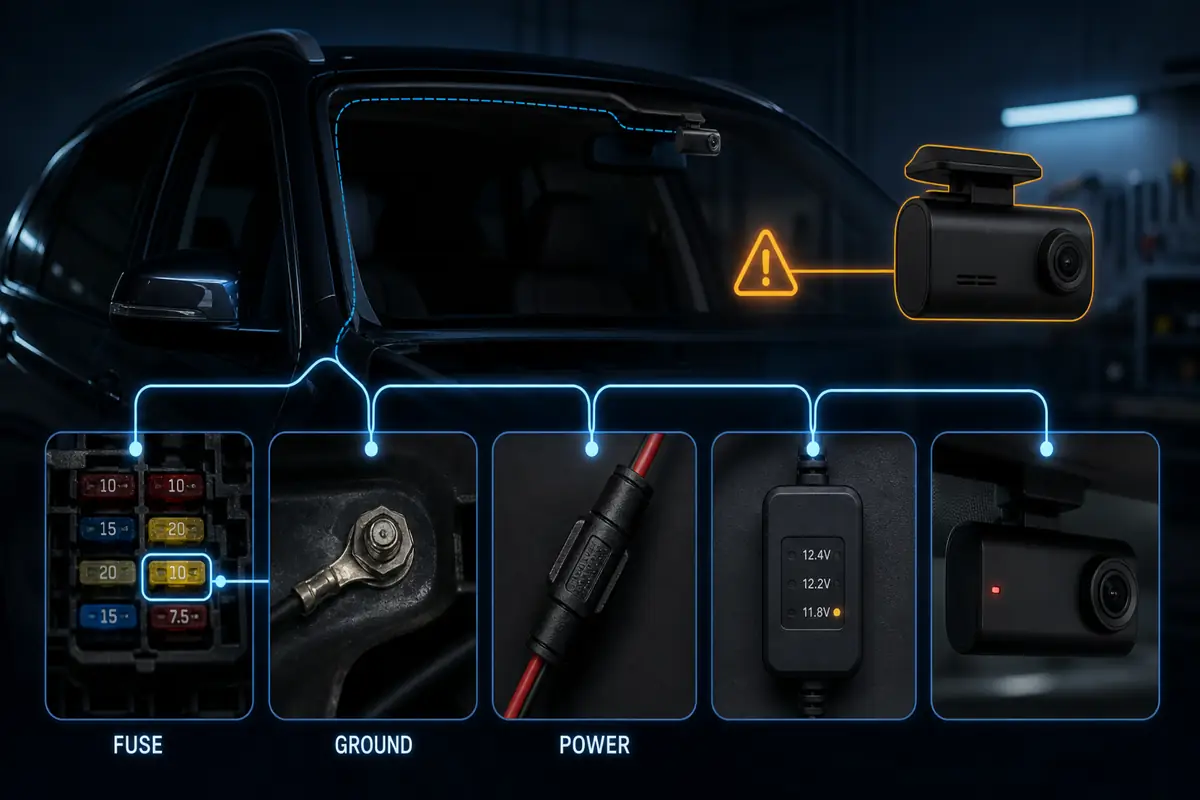
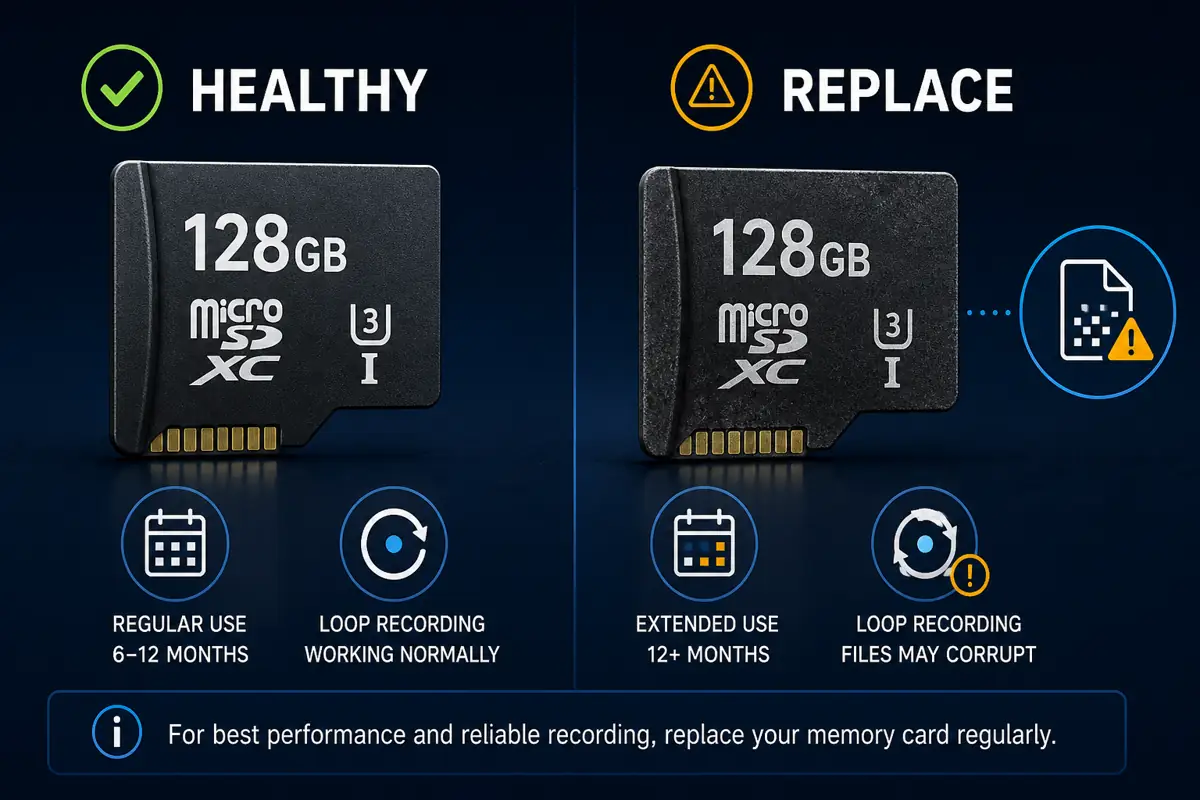
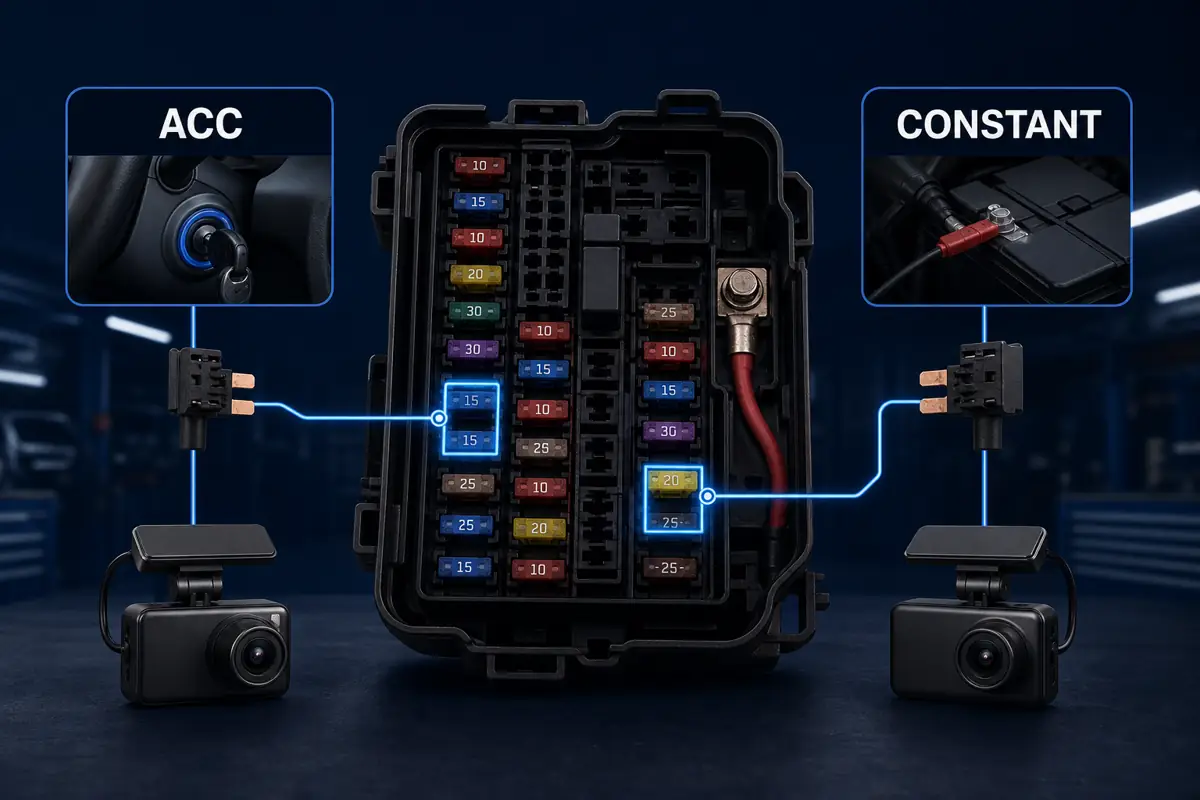
For a hardwired system, a problem that appears to be firmware-related can also be caused by the selected fuse circuits, grounding, voltage cutoff, cable routing or a failing memory card. A complete diagnosis should check both software and installation.
DashcamCraft installation and support
DashcamCraft provides professional dash-cam installation and configuration in the Baltimore County area, including Owings Mills, Randallstown and nearby communities. We can help with:
- Front, rear and cabin-camera installation
- HK4 and HK6 hardwire-kit setup
- Parking-mode and low-voltage-cutoff configuration
- VIOFO app connection and owner handoff
- High-endurance memory-card setup
- Post-installation recording checks
Need help with a VIOFO system? Book a DashcamCraft installation or diagnostic appointment.
Frequently asked questions
Is VIOFO firmware available again?
Yes. VIOFO’s official firmware search is available as of September 1, 2026. An August interruption appears to have been resolved.
Why are there two VIOFO apps?
VIOFO has a legacy app named VIOFO and a newer app named VIOFO Dashcam. The newer app supports current features such as OTA updates on compatible cameras. Confirm compatibility with your model and firmware.
Why does my phone disconnect from the dash cam?
The camera’s Wi-Fi has no internet. Wireless CarPlay, Android Auto, a VPN or the phone’s network-switching feature may replace or block that connection. Temporarily disabling those services often isolates the cause.
Will a firmware update erase my recordings?
It should not be treated as a backup-safe process. Preserve important footage first. Firmware installation may reset all camera settings, and some update instructions require formatting a memory card.
Should I update my A329S to V2.2?
VIOFO recommends the latest V2.2 firmware and latest app for its documented A329S V2.1/BP100 connection issue. Confirm your precise model and follow its official instructions. If the camera is stable and you do not need the fix, review the release notes before changing it.
Sources and verification
- VIOFO app versions and release information
- VIOFO official firmware search
- VIOFO FAQ, including A329S V2.1/BP100 guidance
- VIOFO support: using the app
- Community report: A329S parking behavior after an update
- Community report: firmware access and A329S V2.2 recovery
- Community update: OTA and firmware access restored
Community reports are used to identify recurring owner experiences; they are not treated as official technical confirmation. This page will be updated as VIOFO publishes new app versions, firmware or support guidance.
Update log
- September 1, 2026: Initial publication. Confirmed current official app versions, restored firmware access, VIOFO’s A329S V2.1/BP100 notice and recent community reports.